Web application and CMS development

Custom web application and CMS development covers client portals, record-keeping and complex content management. We tailor features, screens and access rights to the people who will use the system every day.
On this page

DesignJust4You · Digital solutions for business

A web application for a specific task

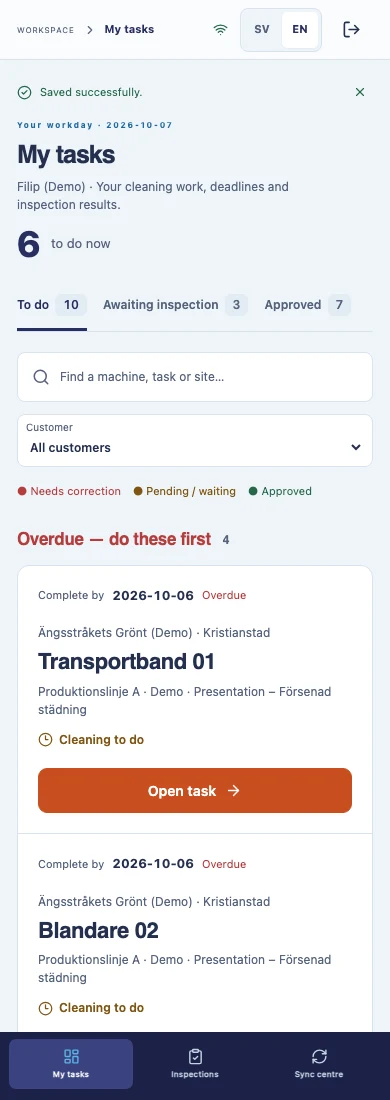
A presentation website explains your offering. A web application lets a user complete a task: submit a request, book an appointment, check a status, enter data or download a document. It runs in a web browser, and we define access methods and supported devices according to the users and working environment.

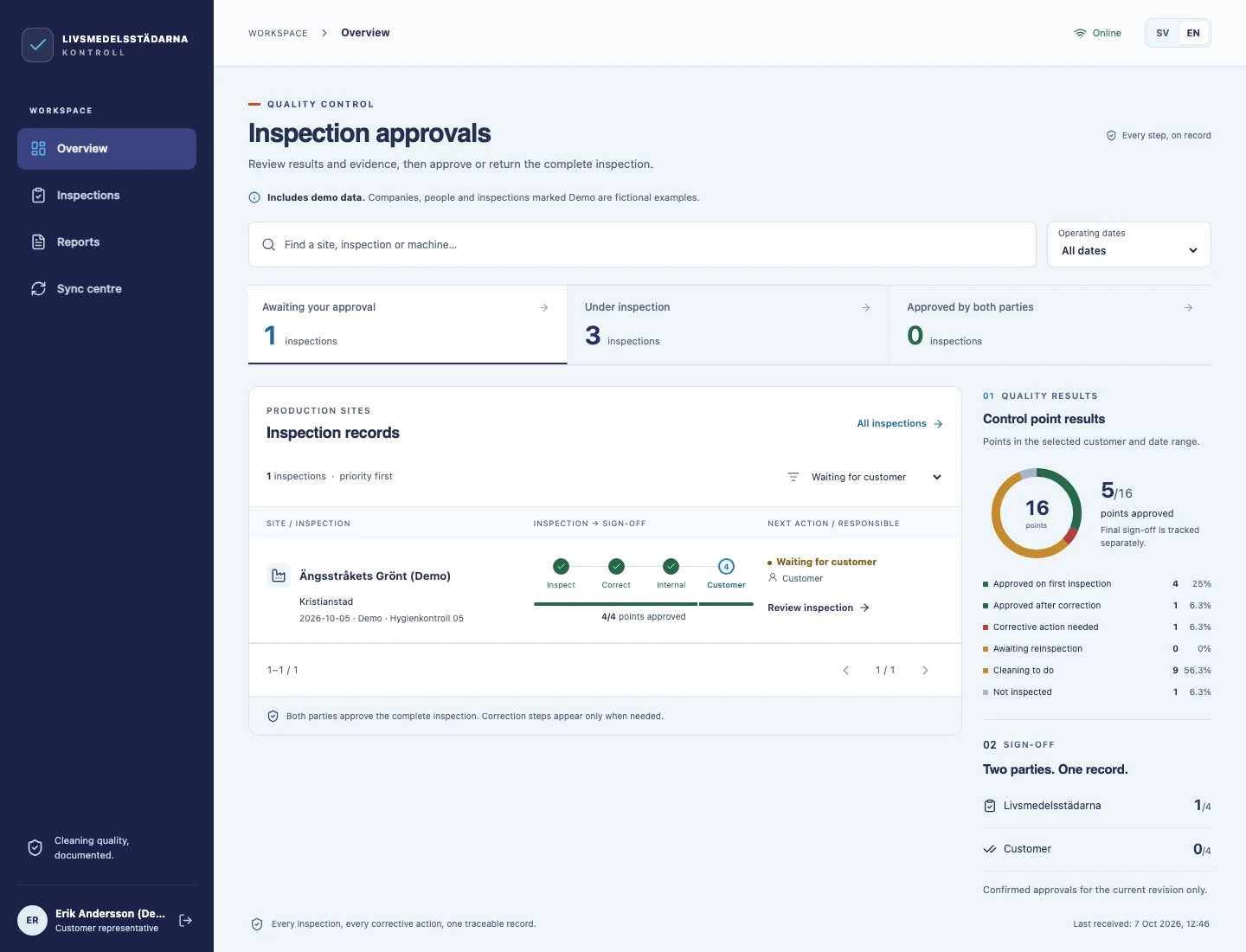
One example is a portal where a client submits a request and documents, an employee checks the data and changes the status, and the client tracks the next step in their account. This is an example of functionality we can plan, rather than a predefined package.

What kinds of web applications can we build?

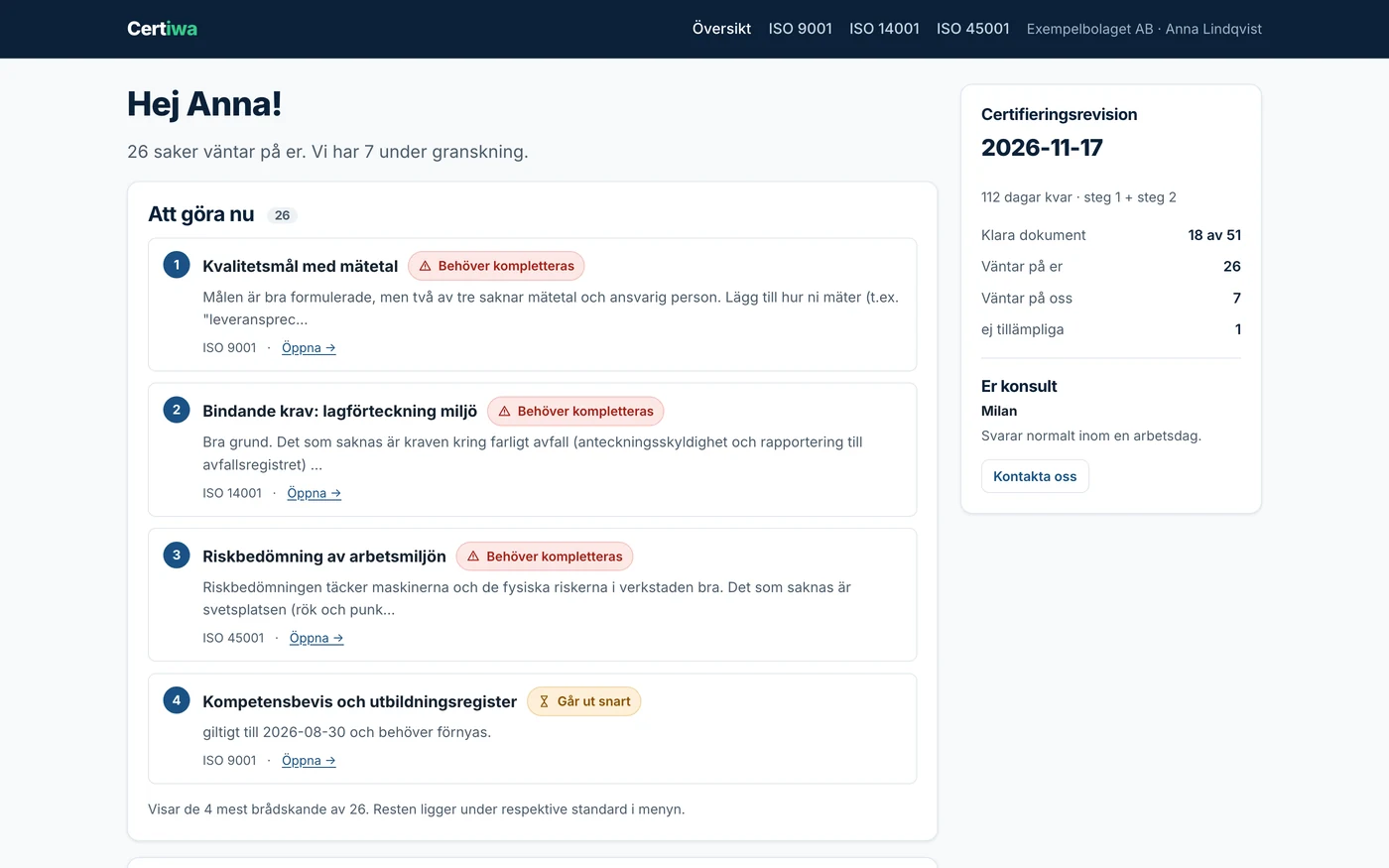
Client and partner portals

Accounts, documents, requests and an overview of the working relationship.

Booking systems

Appointments, capacity, confirmations and cancellation rules.

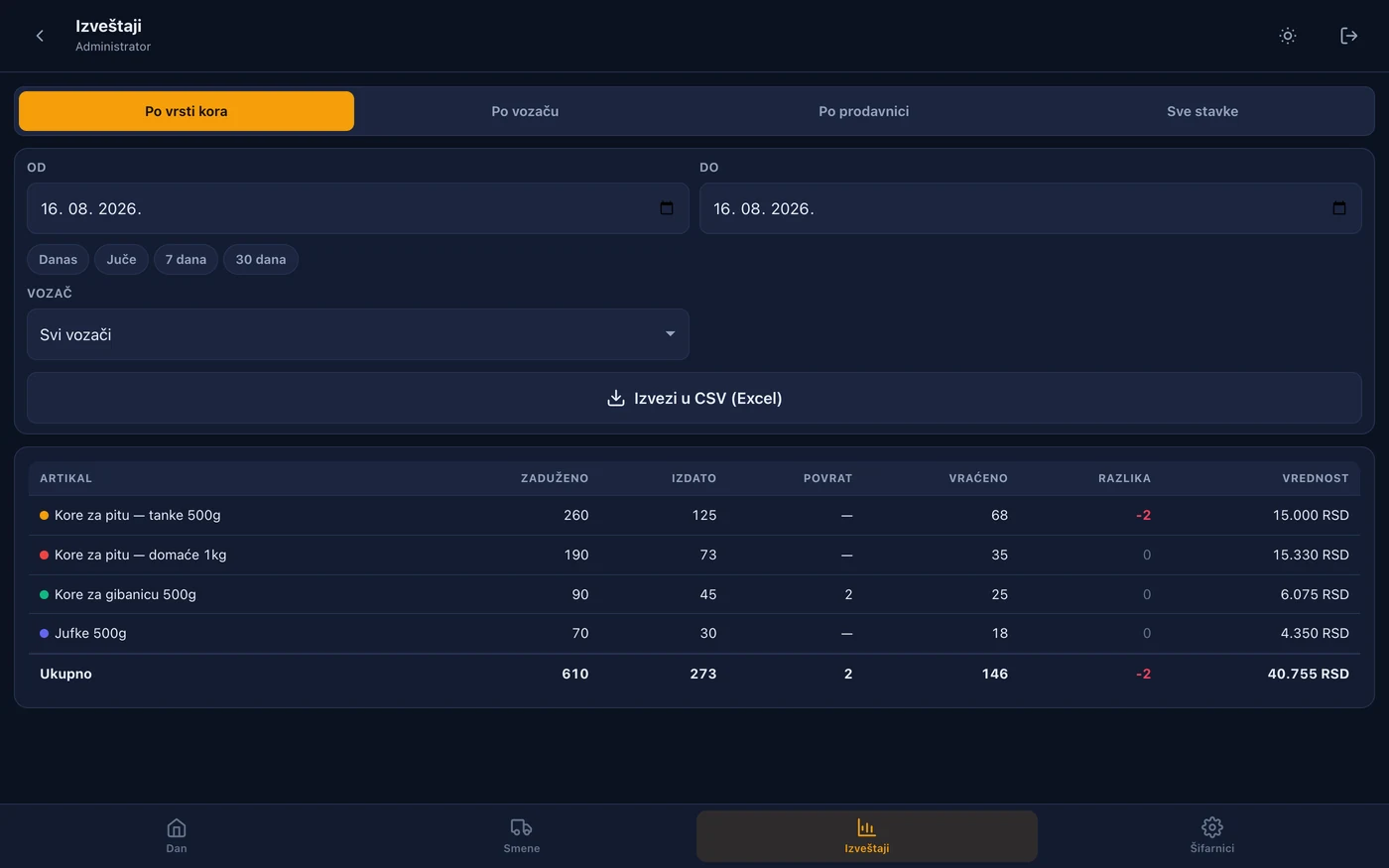
Internal tools

Records, tasks, work orders and approval workflows.

B2B portals

Catalogues and ordering with customer-specific terms.

The first version of a digital product

Core functionality for testing an idea with real users.

A custom CMS for content management

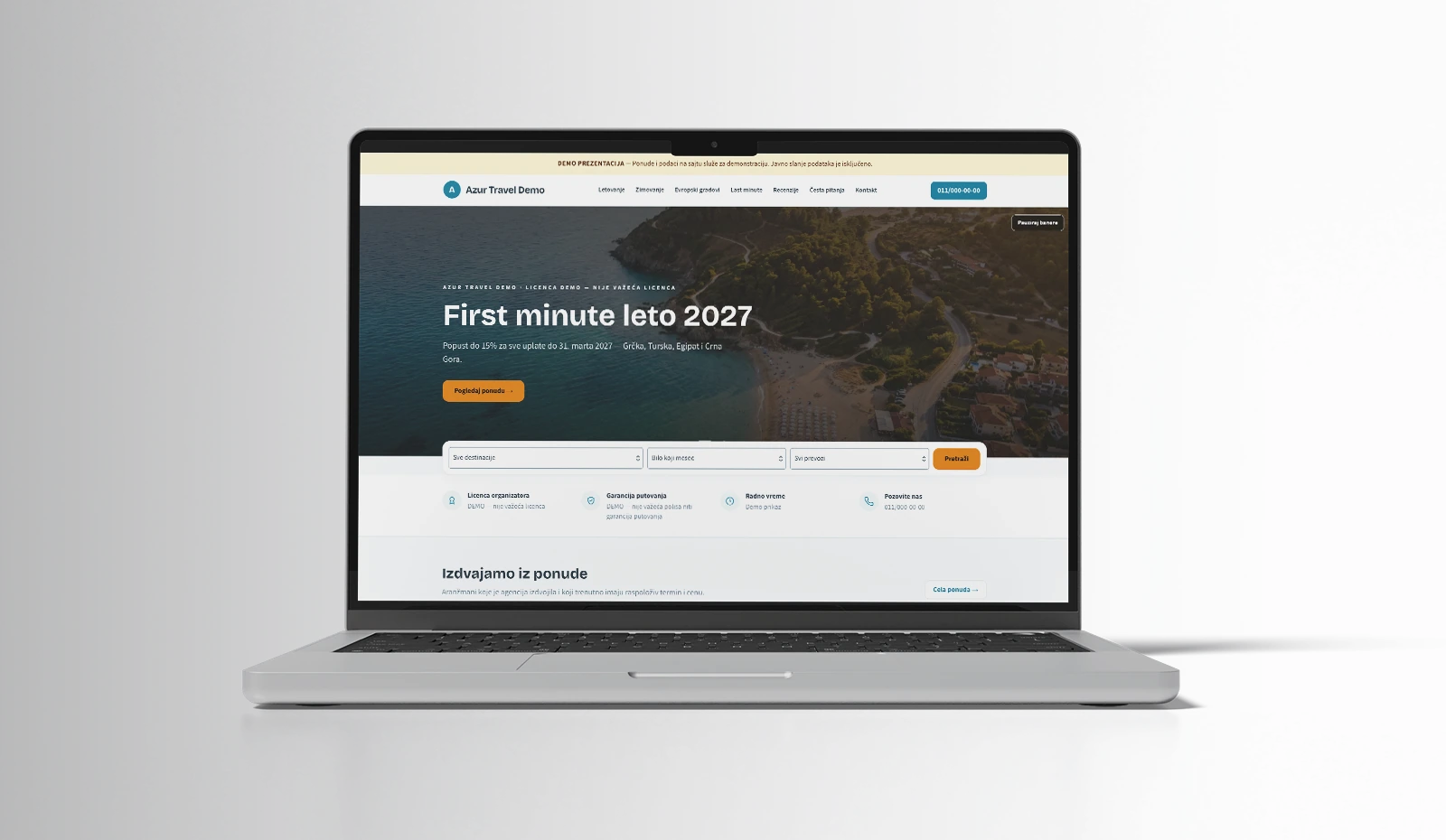
A CMS is a system your team uses to edit content. When a standard system does not cover the types of data or publishing rules you need, we can develop a tailored administration area.

A custom CMS can include multiple content types, a catalogue with related data, editor roles, approval before publication and multilingual content management. We adapt input forms to the team: editors get the fields they need for their work, with clear rules and input validation.

When is WordPress enough?

For many presentation websites and blogs, an existing CMS is a good choice. Custom development makes sense when content, workflow or integration requirements exceed the capabilities of a standard solution. During the initial analysis, we compare the scope, maintenance and extension options of both approaches.

What do we define before development?

  • Who uses the application and which information they may access.
  • Which screens and scenarios the first version must support.
  • Where data comes from and how its validity is checked.
  • Which services the application connects to.
  • How it is tested, introduced into operation and maintained after launch.

DesignJust4You / Project guide

Web application development

  1. 01User journey

    Who has access and what task do they need to complete?

  2. 02Prototype

    Key screens, rules and feedback.

  3. 03Development and testing

    Features, integrations and access checks.

  4. 04Launch

    Environment, documentation and a maintenance plan.

Example workflow. The specific scope depends on the project.

From the first user task to a tested browser-based application.

Web application development: from prototype to launch

We first describe user steps and prepare key screens. Once the scope is agreed, development proceeds in functional stages. Testing covers the agreed workflows, access rights, behaviour on different devices and data exchange. We plan implementation together with the system's users.

Web application and CMS development costs

The quote depends on the number of roles, screens, rules, integrations and the migration of existing data. We estimate timing after the specification. We list hosting, external services and maintenance costs separately in the quote so the total investment is clear.

Web application development: checks before implementation

For an application to be useful, testing should follow real user tasks. For a booking, for example, we check appointment selection, changes, cancellation and what happens when two people try to book the same capacity. For a CMS, we check content entry, preview and publication across different editorial roles.

We agree on supported devices and browsers, problem reporting and acceptance criteria. Clear field labels, error explanations and keyboard operation are part of accessibility planning. A useful framework for these requirements is provided by the W3C WCAG guidelines.

If the application manages customers or operations, also explore CRM and ERP systems. To exchange data with existing programs, we plan API integrations with clear responsibility for data. Before implementation, we define access, training, backups and maintenance so users know how to continue their day-to-day work.

Frequently asked questions

Can the application connect to an existing website?

Yes, subject to checking the technology and integration options. The application can have its own account and administration area or share some data with an existing system.

Can features be added later?

Yes. During planning, we distinguish the first version from later phases. We estimate subsequent scope and cost according to new requirements and the existing architecture.

YOUR NEXT PROJECT

We listen. We analyze. We deliver.

Free project estimate